Console
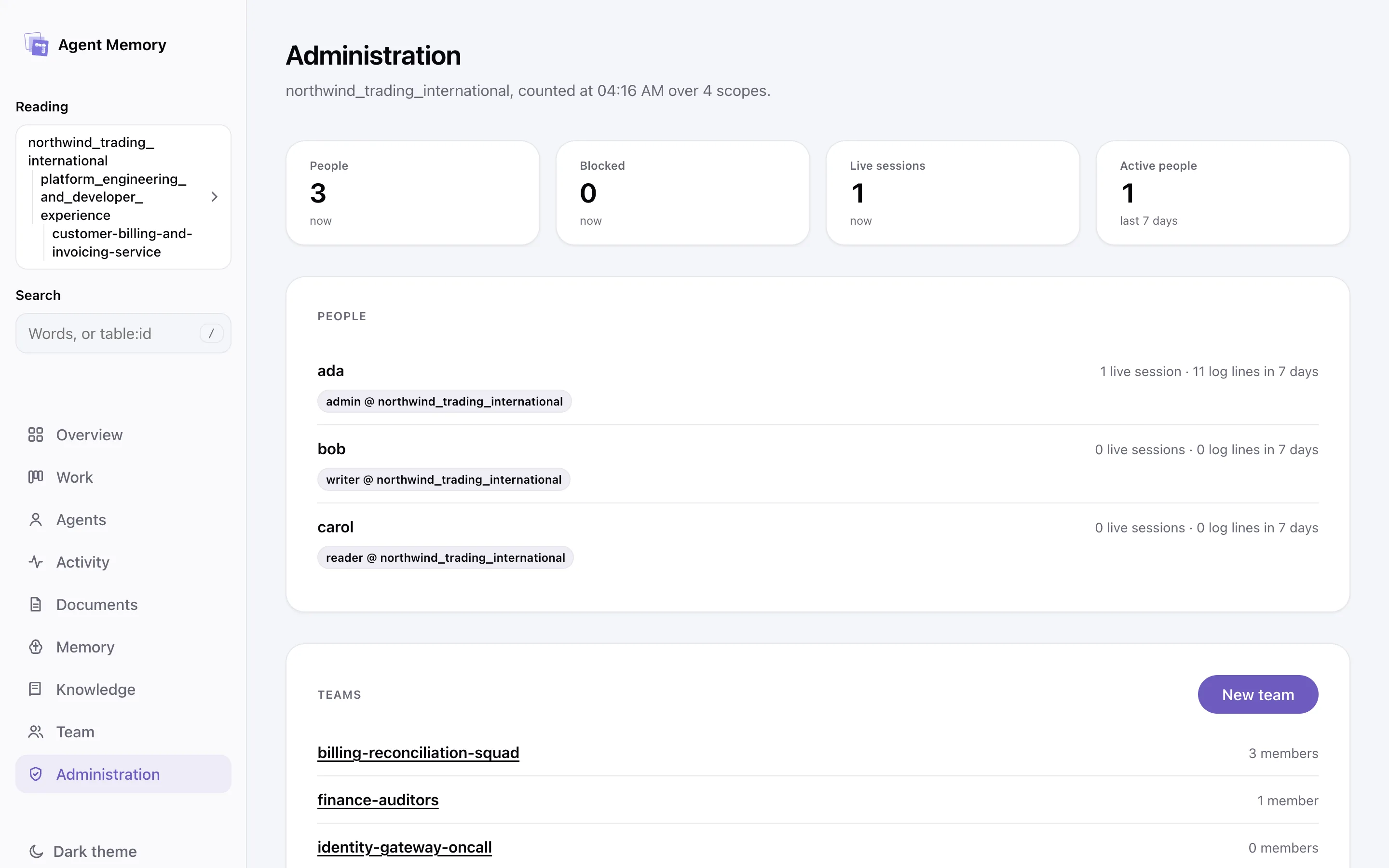
The memory, in a browser, as yourself.
The memory service serves a web console at its own address, so the people behind a fleet of agents can read what the agents hold without writing a query. It is part of the service binary: nothing else to install or run.
1 · Sign in and read
Every screen shows what your grants reach, and nothing else.
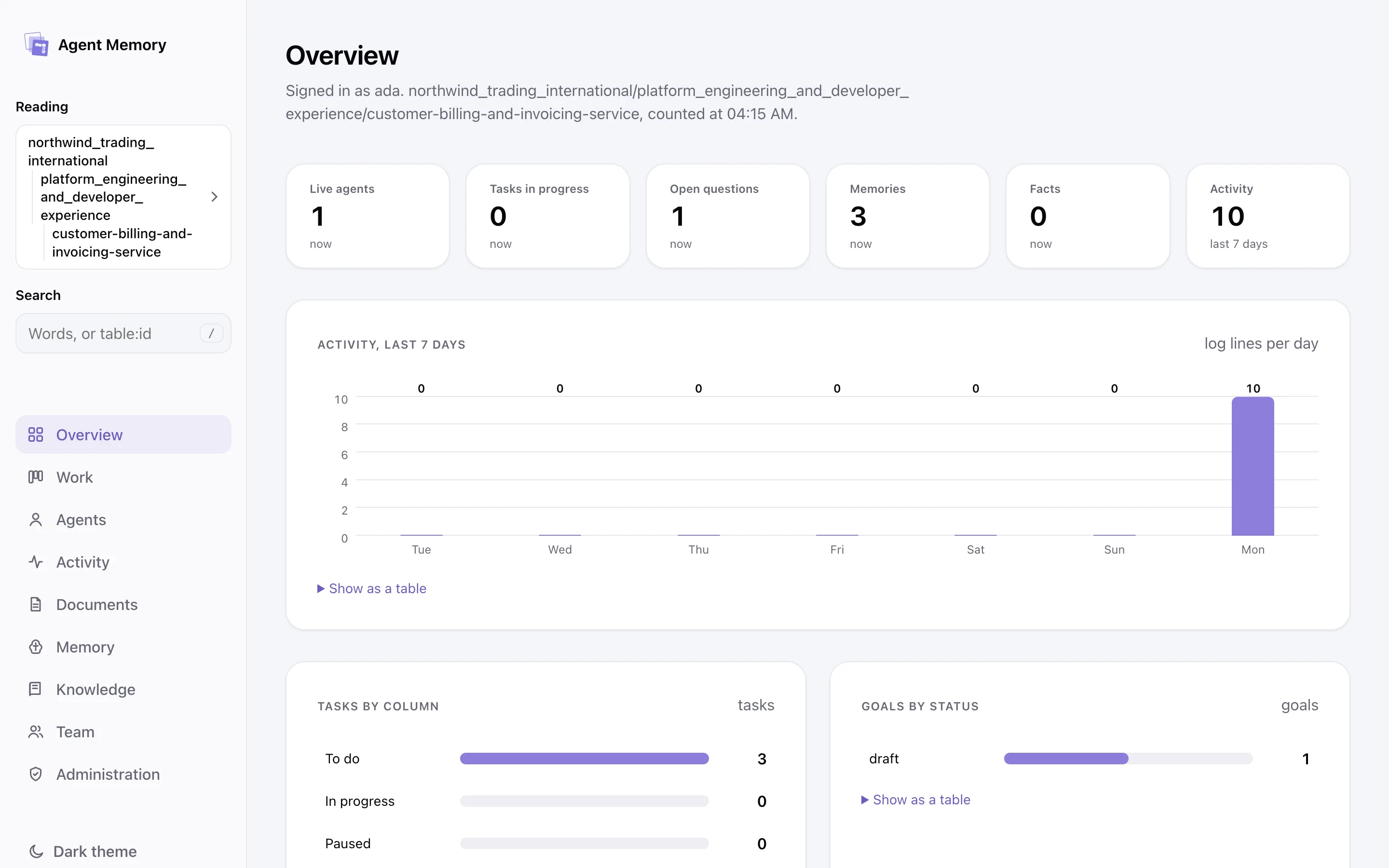
Sign in with the name and passphrase you were registered with. From then on the console reads as you: overview, work, agents, activity, documents, memory, knowledge, search, and every record's history and links, at the scopes your grants reach.
2 · Work
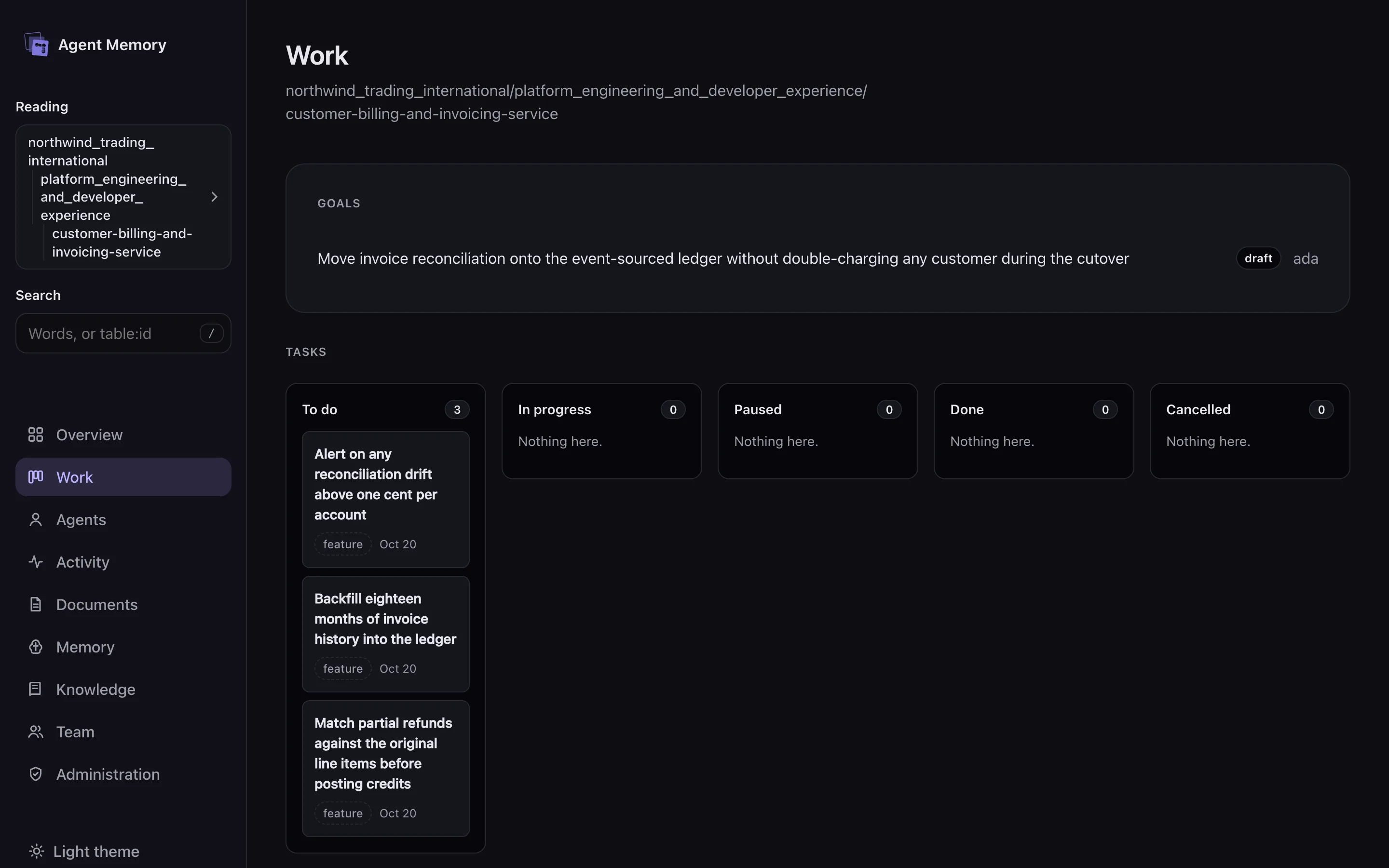
Goals and the task board, as the agents left them.
From a record a task can be moved and a question answered, so a person can steer the work without opening a terminal.
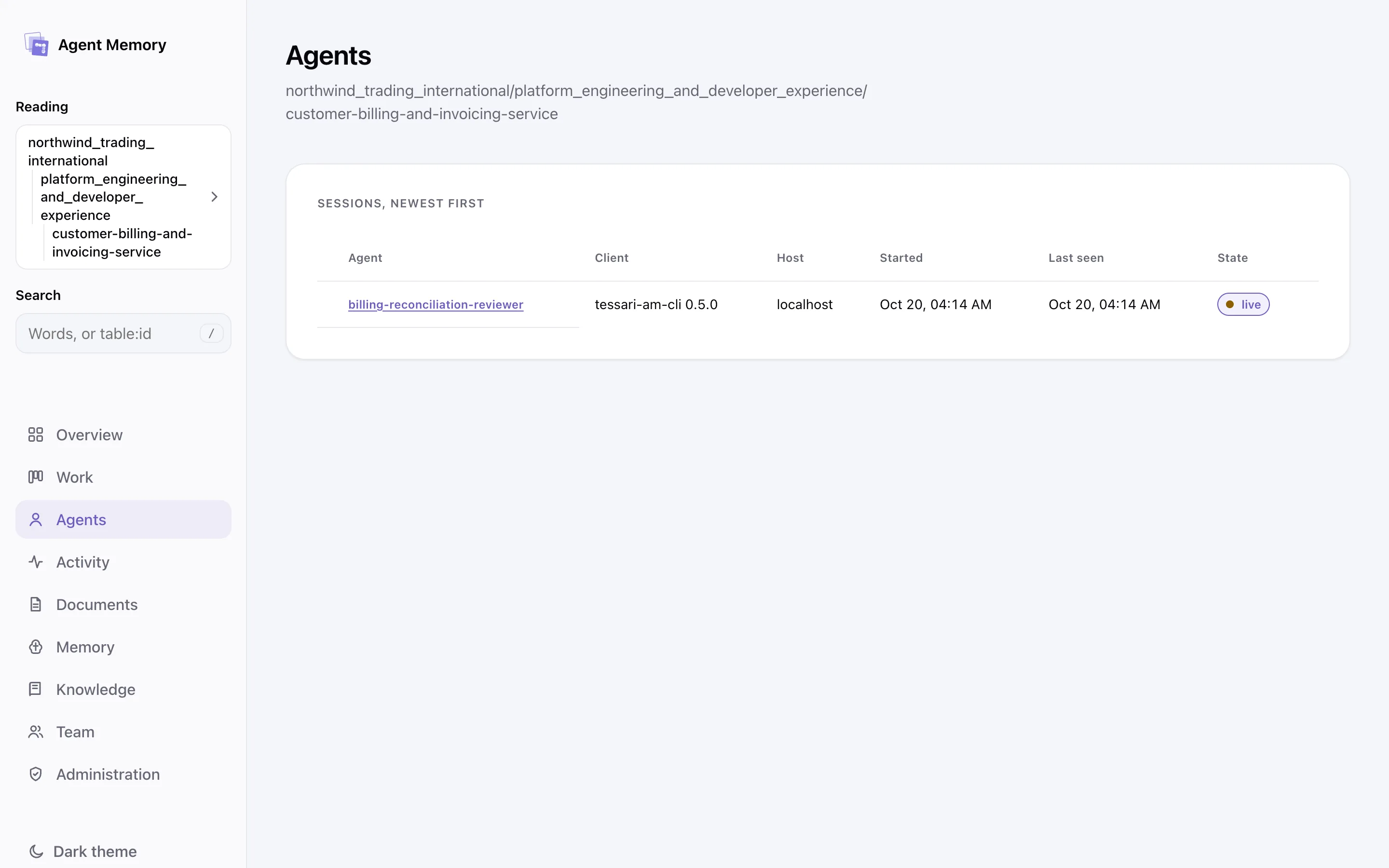
3 · Live
The open screen updates itself when its scope changes.
The console keeps a WebSocket at /console/events for the scope on screen. It takes no cookie or header: its first message carries the console's token and a proof of the browser's key.
4 · Documents
Reports and snapshots, read in place.
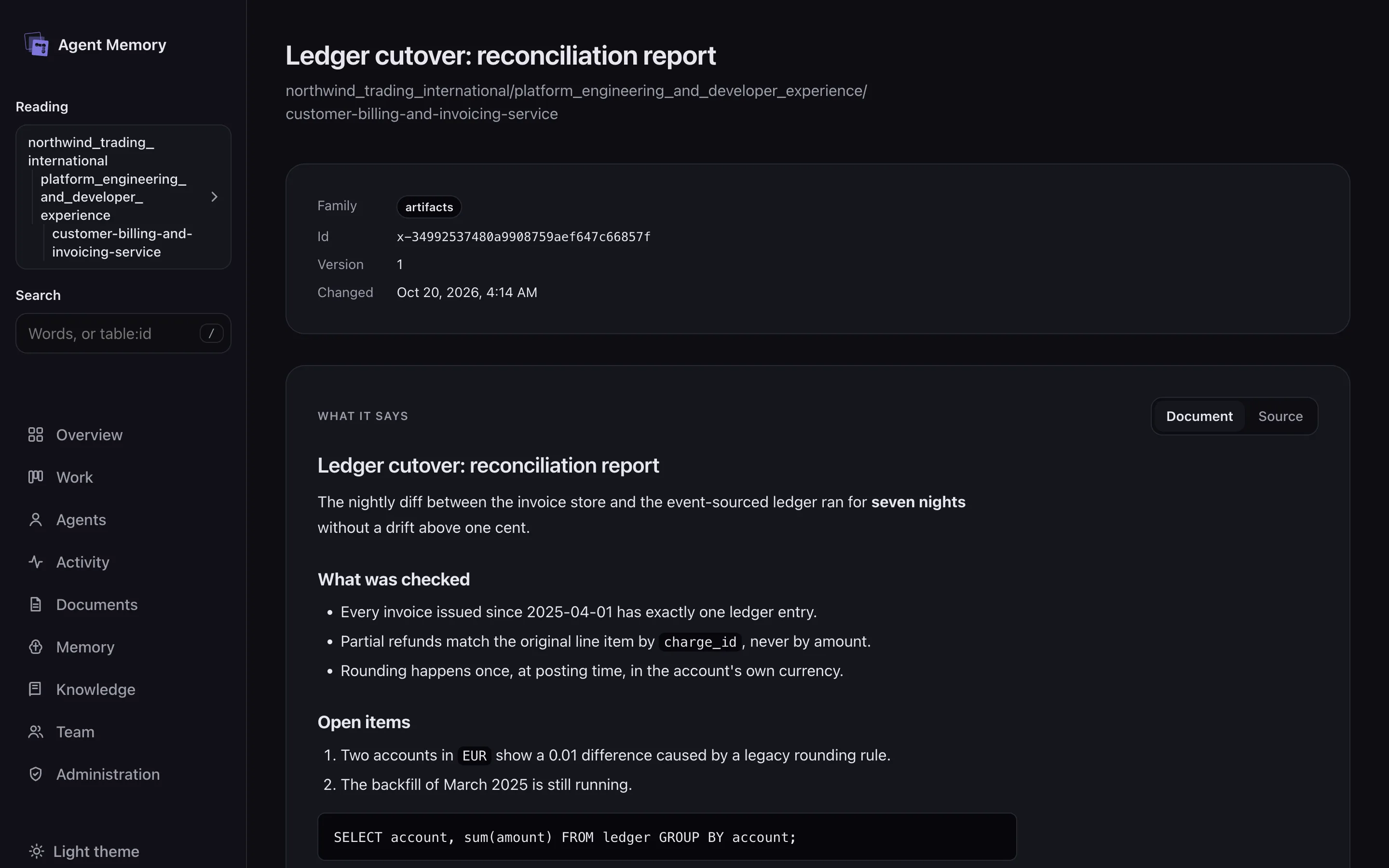
Documents open in a viewer, with the record's history and links beside them. Search covers everything the console can show you.
5 · Administration
People and teams, for whoever administers the identity.
An administrator also sees the identity's people and teams. The console holds no cookie; its tokens are bound to a key the browser cannot export. Behind a TLS terminator, TESSARI_AM_PUBLIC_HTTPS=1 makes the service name itself with https:// and ask browsers to keep to it.